


StoryView™
StoryView™
Couldn't load pickup availability


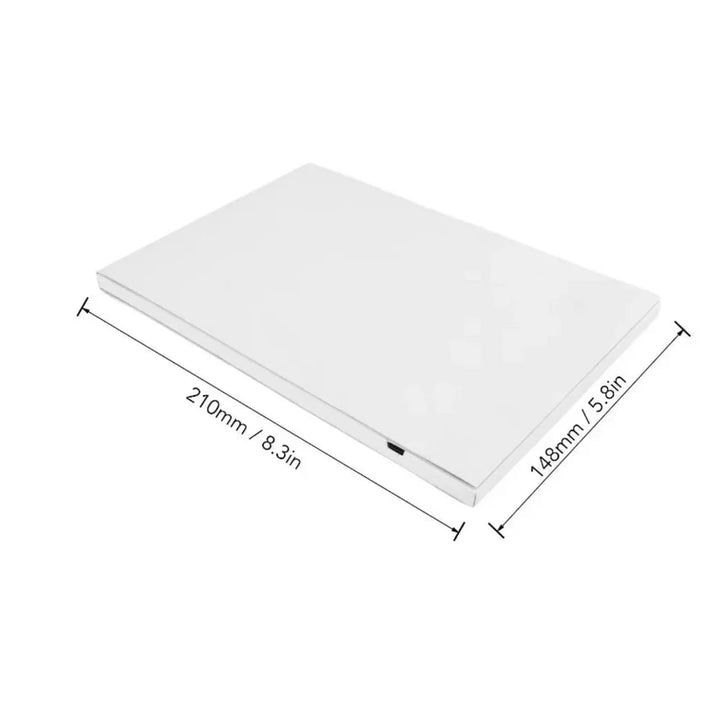

Instant Memory Playback
StoryView™ automatically plays your memories the moment it opens, creating a seamless and emotional experience without buttons, apps, or complicated setup.
Watch the video:


Real Memory Impact
Customers say StoryView™ helps them relive meaningful moments and create deeper emotional connections through memories.
of our customers said it made their memories feel more real and immersive
of our customers said it was a more meaningful gift than traditional options
of our customers said they revisit their memories more often.
Genuine Quality
Don’t fall for cheap knock offs that look similar but fail to deliver.
Choose StoryView™ for trusted quality, real experience, and lasting value.

|
Others |
Instant Playback |
|---|---|---|
Auto Trigger |
||
HD Display |
||
Built-In Audio |
||
Offline Access |
||
Premium Finish |
Frequently Asked Questions
How long can my videos be?
There is no strict limit to video length on StoryView™, but it is naturally limited by the 4GB internal storage.
We recommend videos up to 15 minutes for the best viewing experience. This gives you plenty of space for wedding highlights or short-form memories.
What video formats work best?
StoryView™ supports all standard formats like .mp4 and .mov, the same ones used on platforms like YouTube or Facebook.
For best results, videos should be in 16:9 ratio (1920x1080 or 1280x720). If needed, you can resize using free tools online.
Can I load multiple videos onto the book?
Yes. StoryView™ works like a USB device, allowing you to upload multiple videos up to the 4GB limit.
You can organise playback order by simply renaming files with numbers. Lower numbers will play first.
Can I upload photos as well?
Absolutely. You can upload photos just like videos, and they will play as a slideshow after your videos.
You can also add a .mp3 file to include background music for a more immersive experience.
Does it require WiFi or any apps?
No. StoryView™ works completely offline with no apps, subscriptions, or internet connection needed.
How do I upload my files?
Uploading to StoryView™ is simple and takes just a few steps.
Step 1: Choose your favourite videos or photos
Pick meaningful moments you want to relive or share.
Step 2: Connect the device
Use the included USB cable to connect StoryView™ to your computer. It will appear like a regular drive.
Step 3: Drag and drop
Open the folder and drag your files inside. No apps or software needed.
Step 4: Enjoy instantly
Unplug the device, open the cover, and your memories will play automatically.
Note: For best results, videos should be in 16:9 format (1920x1080 or 1280x720). If needed, you can resize your video using tools like Adobe Video Resizer.